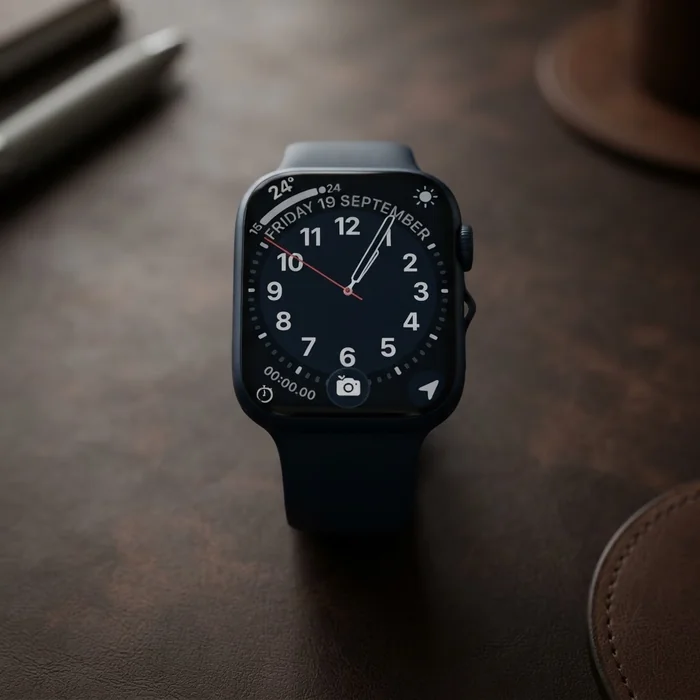
Product photography from your 3D model

Direct the shot.
Skip the shoot.

Your 3D model is already your product shot. Frame it like a photographer: angle, light, background. Generate a clean studio render with no AI, or let AI build the scene around it. No photoshoot, no Blender.

No credit card required · 10 free credits
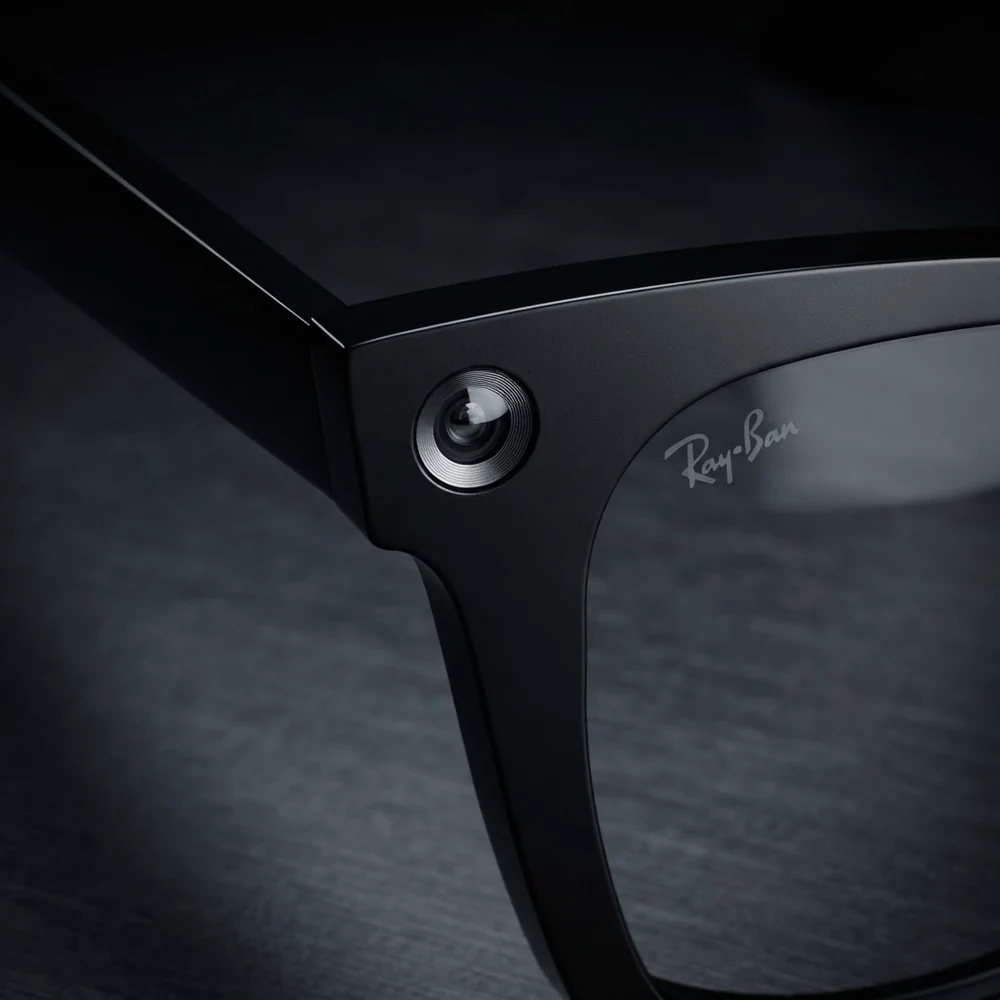
Your 3D model
◉ GLB · Raw render
The photo
AI Photo · Unretouched
→
Same product · Same file AI built the set, never the product
02 Output · straight from the tool

Every image states its settings.

Because every image can be reproduced. These are actual exports. No retouching, no cherry-picked one-in-forty generations.

03 Why this works

AI tools guess.
This one is constrained.

Generic image tools redraw your product from a text prompt and hope. Here, the product comes from your actual 3D file, and everything else is built around it. Want zero AI? The studio-render path gives you a finished, physically accurate image straight from the model.

3.1

Geometry is law

Every image starts from a physically-lit render of your real model. Proportions, edges, logos, materials: taken from the file, not imagined. No warped shapes, no smeared labels.

3.2

Every image is inspected

Before you see an AI result, a vision model compares it against your source render, product identity first. Wrong product, warped geometry, garbled text: rejected and regenerated automatically.

3.3

The studio is deterministic

Lighting is a computed three-point rig, not a dice roll. Same settings, same image. Change only the background and everything else holds. Re-shoot a whole catalog in a new color, tomorrow.
04 Four ways to shoot

One viewport. Four outputs.

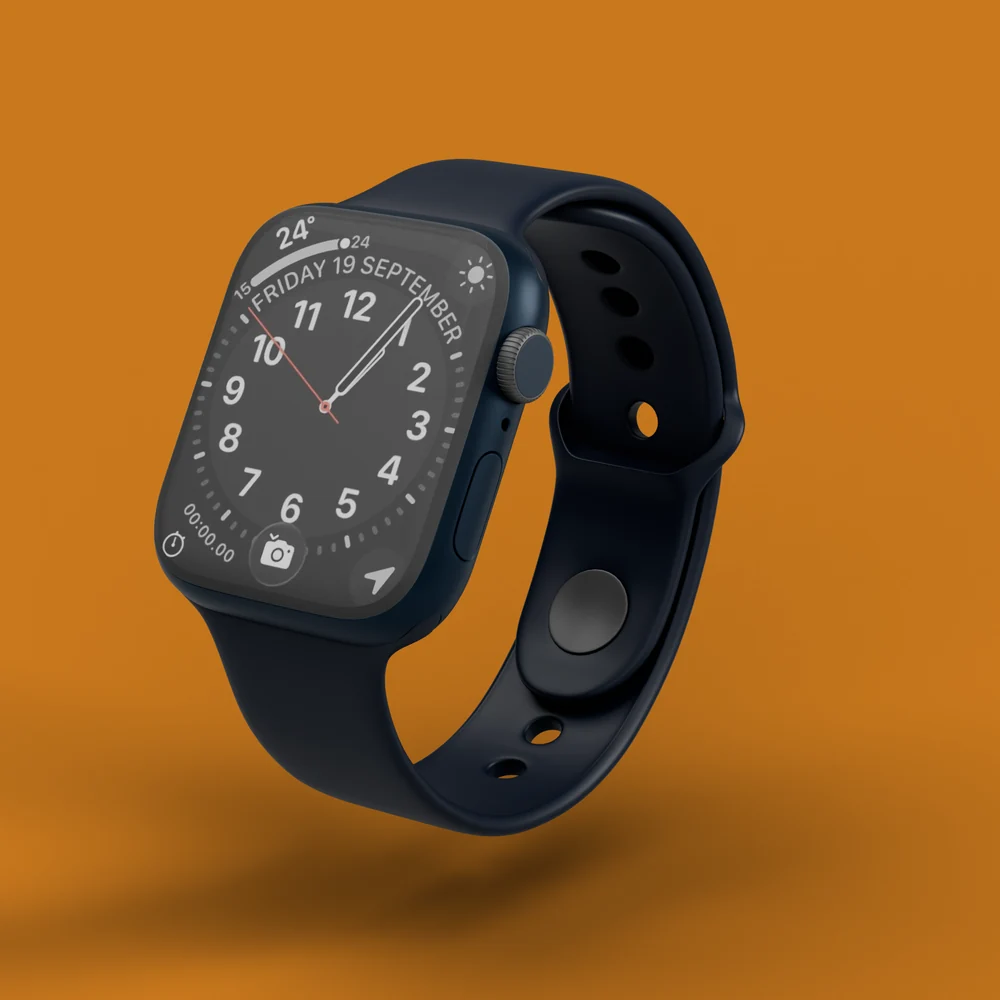
3D Render

1 credit

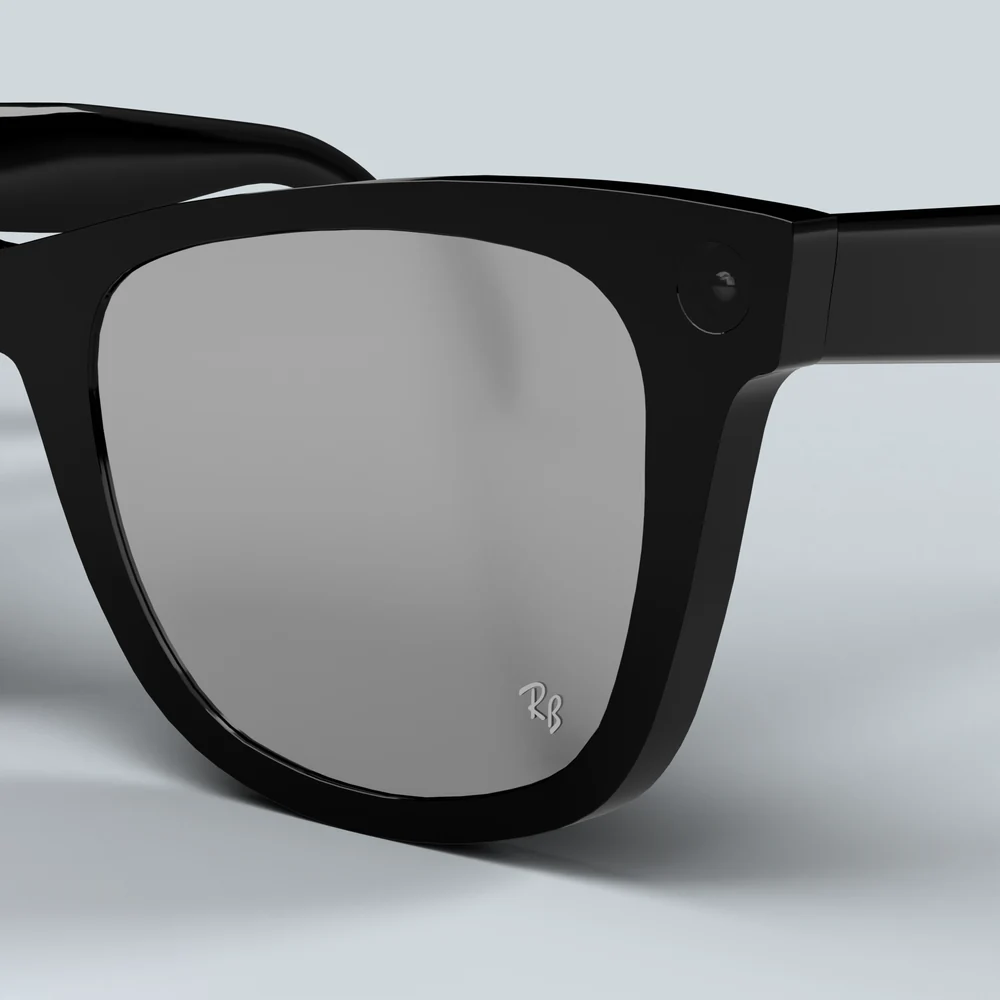
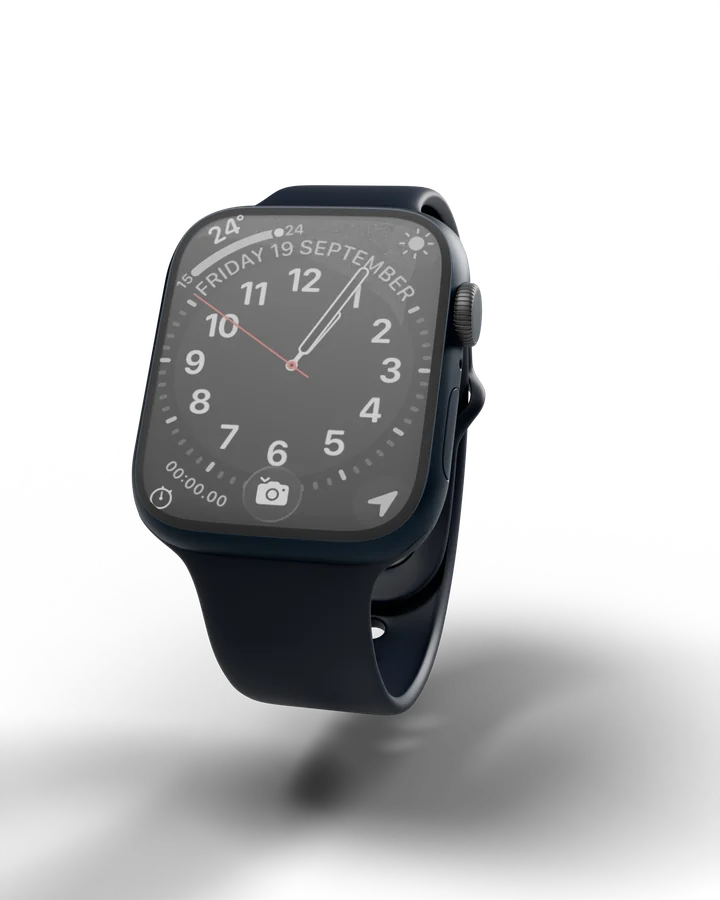
Pure studio photography of your exact model. No AI touches the output. Lighting presets, any background, 2048 px.

3D Render example

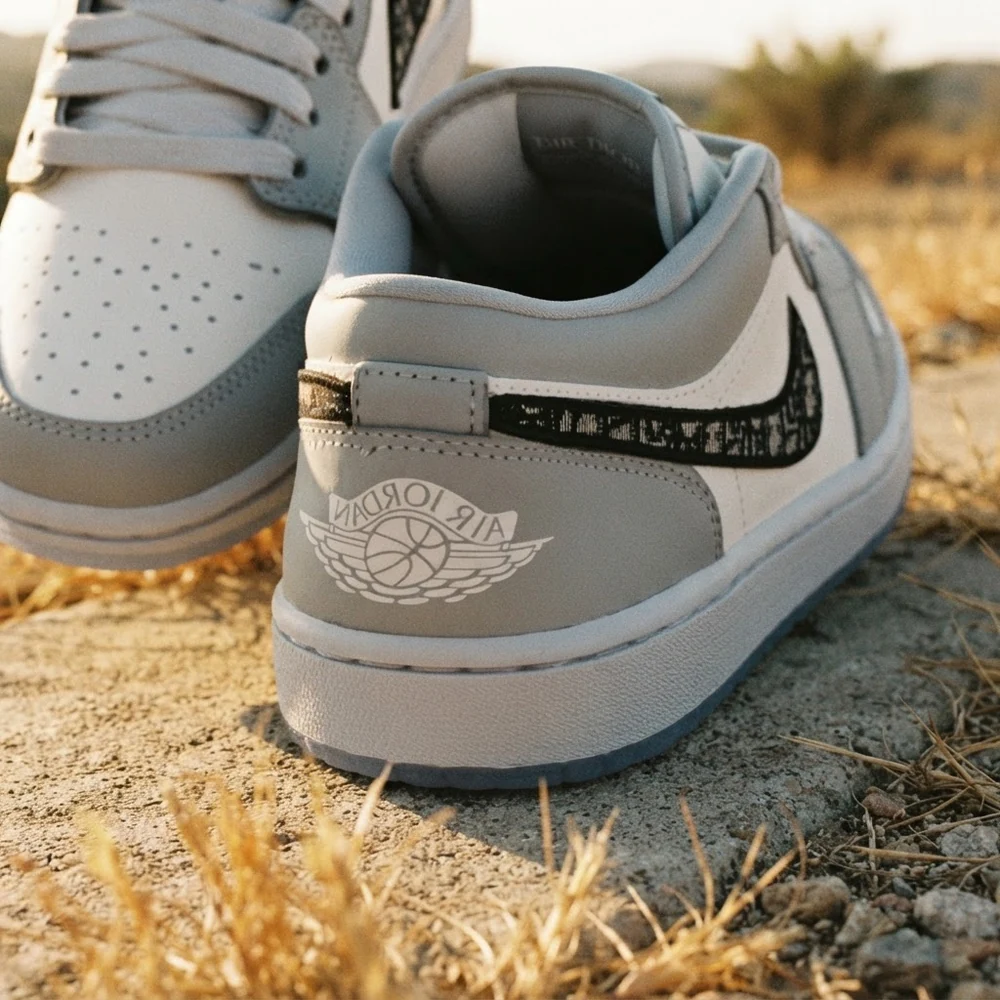
AI Photo

3 credits

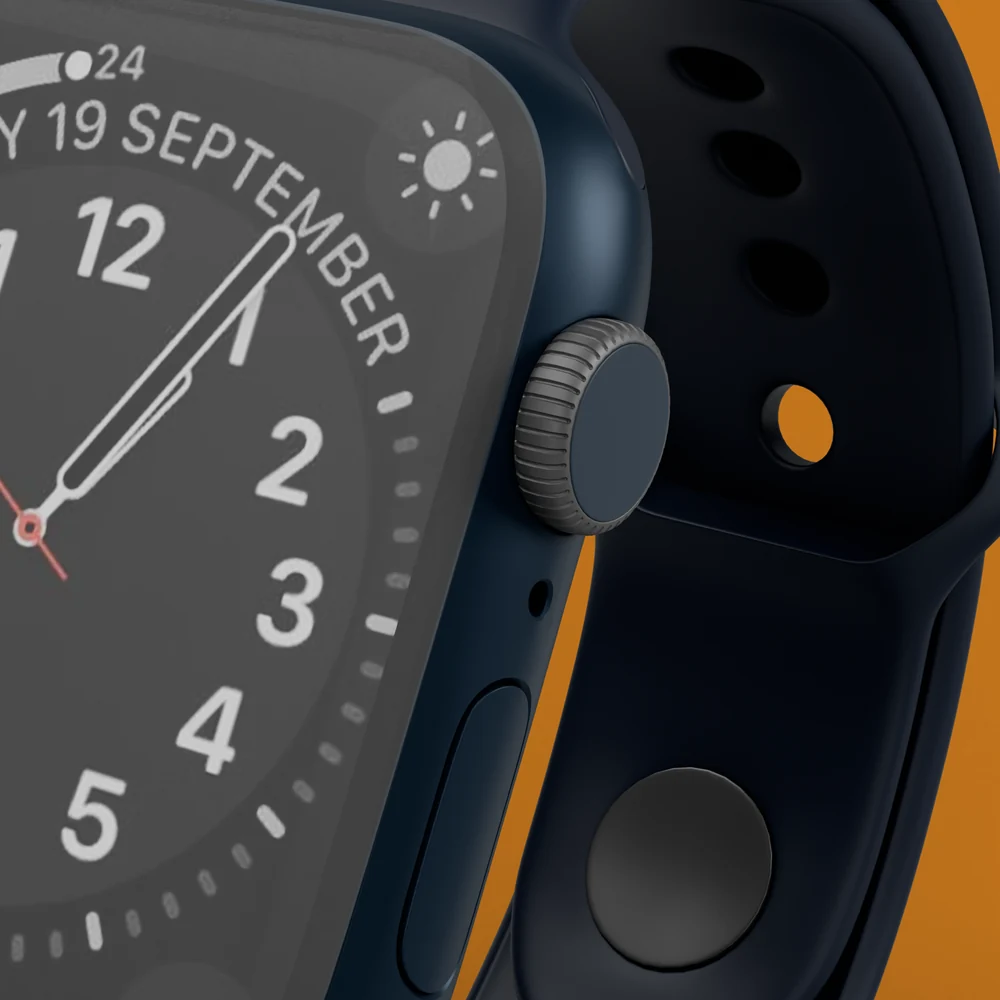
Your render, placed in a built world. Style lanes anchored to real brand aesthetics, plus your own direction. QA-inspected before delivery.

AI Photo example

Live

Beta

The scene repaints in real time as you orbit. Scout angles and styles instantly, then commit to the real photo when it clicks.

3D Video

Beta

Set a start frame and an end frame. A camera move with real motion blur, rendered on cloud GPUs in about a minute.

05 Process

You direct. The execution
layer is handled.

01

Drop in your model

GLB, GLTF, or STL. The geometry you designed is what appears in the photo: nothing redrawn. No model yet? Start with the demo.

02

Frame the shot

Orbit, zoom, tilt. Camera presets for the classic angles. Rotate the light around the product and watch the shadows move. The viewport is the photograph.

03

Generate

A clean studio render in seconds, an AI scene in under a minute, a camera-move video from cloud GPUs. Download and ship.

06 Don't have a 3D model?

One model replaces
every future shoot.

A product shoot buys you one set of photos. A 3D model is the product itself: every angle, every background, every campaign, forever. It's a one-time asset, and it's yours.

A

Ask your manufacturer

Many suppliers already have CAD or GLB files for your product. It costs an email.

B

Commission one · roughly $100 to $200

A freelance 3D artist can build one from product photos in days. You own it outright, for use anywhere. It is not locked to this tool.

C

Try the demo first

The app loads a demo product on your first visit and renders your first photo automatically, so you see the quality before you invest anything.

07 Pricing

Simple credits.
No surprises.

A 3D render is 1 credit. An AI photo is 3. You always see the cost before you spend it.

Free

$0
10 trial credits
  • 10 credits to spend any way
  • All four modes
  • Live preview · 5 min/day
  • Full-resolution downloads
Start free

Maker

$19
per month · 100 generations
  • 100 generations / month
  • Unlimited Live scene direction
  • 200 MB model storage
  • Cloud library sync
Choose Maker

Brand

$149
per month · 1000 generations
  • 1000 generations / month
  • Unlimited Live scene direction
  • 200 MB model storage
  • Cloud library sync
  • Priority rendering
Choose Brand
You own every image you generate, and every model you upload. Cancel anytime.
08 Start

The next product shot
is already in your file.

Open the app, load the demo model, and watch your first photo render itself, before you've clicked anything.

No credit card required